Recently, I bought a pair of lithium-ion AA rechargeable batteries. Compared to traditional NiMH rechargeable batteries, they’re lighter, have higher voltage, and even come with a built-in USB-C charging port.

I thought I could finally get rid of that bulky NiMH battery charger. But to my surprise, they wouldn’t charge after I got them, so I contacted customer support. The reply left me speechless:
Please use the included A-to-C cable for charging. This product does not support C-to-C charging.
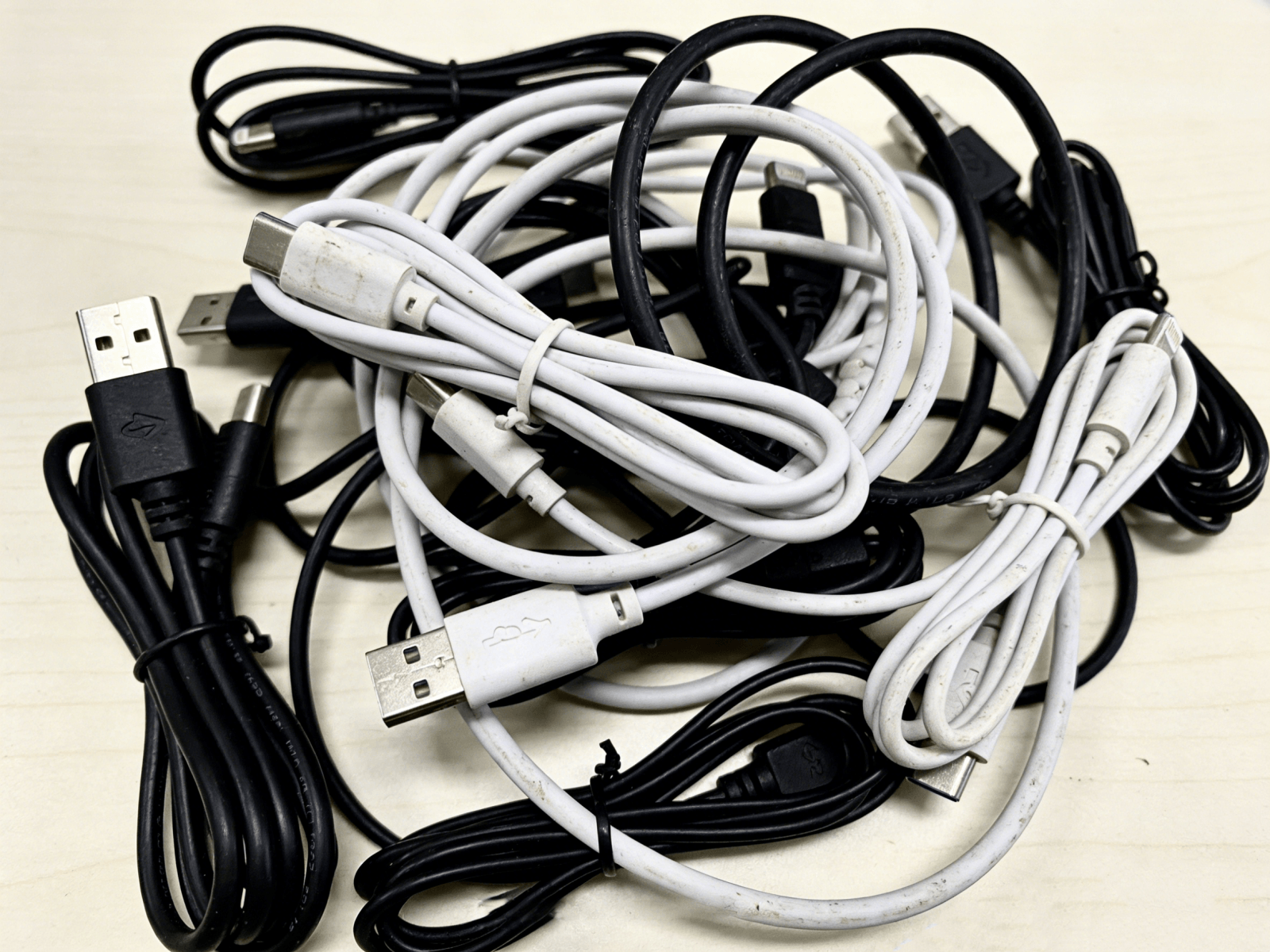
I stared at that cheap black A-to-C cable and fell into deep thought.
If they all use USB-C, why isn’t it universal?
USB-C ≠ USB-C
While searching for a solution, I came across a video mentioning a newly released C-to-C adapter that can fix devices that don’t support charging via C-to-C cables. The name is quite odd—“5.1K resistor adapter”—and it sold out immediately after launch, with comments under the official video full of people asking for restocks.
I had only heard of adapters like Lightning to USB-C or micro USB to USB-C—those that convert between different connector types. I never expected to see a USB-C to USB-C adapter for the same connector format. So while trying to grab one, I also discussed USB-C standardization, charging, and data transfer with others online. That’s when I finally understood the root cause of why my batteries wouldn’t charge.
In short, the device didn’t follow the USB specification for setting identification resistors. As a result, the charger cannot determine whether it should supply power, and therefore fails to charge the device.
This situation is quite common in small appliances such as handheld fans, portable lamps, and flashlights. They all use USB-C ports, but can only be powered using A-to-C cables.
So why don’t manufacturers follow the standard design? And what exactly does the official specification require? Let’s briefly go over how USB-C is supposed to work.
Further reading: Choosing a cable isn’t just about the connector — a guide to common USB and Thunderbolt protocols
Introduction to the USB-C Specification
The USB-C interface is highly versatile, supporting high-power charging and discharging, audio and video signal transmission, and reversible plug orientation. Precisely because of its rich functionality, its internal structure is also relatively complex.

A full USB-C connector consists of 24 pins, with the A side and B side arranged in mirror symmetry. Based on function, they can be broadly divided into four categories: power, data transfer, control, and auxiliary.
Power
VBUS: A4, A9, B4, B9
→ Responsible for power delivery, defaulting to 5V and reaching up to 48V depending on the protocol
GND: A1, A12, B1, B12
→ Ground lines that complete the circuit and ensure stability
Data Transfer
Low-speed channels: D+ / D- (A6, A7, B6, B7)
→ Basic USB 2.0 data communication (480 Mbps)
High-speed channels: TX / RX (A2, A3, B2, B3, A10, A11, B10, B11)
→ Used for high-speed data communication such as USB 3 / USB 4 / Thunderbolt
Control (Most Critical)
CC: A5, B5
- Determine plug orientation
- Determine power direction (who supplies power)
- Negotiate current and voltage
- Enable fast charging / video modes
Auxiliary
SBU: A8, B8
→ Used for auxiliary audio or video signals (such as DisplayPort)
As mentioned earlier, the missing identification resistor refers to a 5.1K pull-down resistor (Rd) on the CC pins. Without it, the device cannot be recognized as a power sink, so the charger will not supply power. This 5.1K resistance value is also the standard Rd value defined by USB-IF.
However, the issues with USB-C are not as simple as just missing a “pull-down resistor.”
A Unified Exterior, a Fragmented Reality
USB-C is indeed an excellent connector form, but it is still far from achieving the USB-IF vision of “universal, simple, and unified device connectivity and interoperability.”
Stripped-Down Connectors
In practice, it’s rare for devices to use all 24 pins. Manufacturers often trim functionality based on actual needs. For example, many small appliances remove data-related pins and retain only the power-related ones—leaving just 6 pins, which is a reasonable cost-saving strategy.
In fact, many devices previously used micro USB. Since the USB-A port on the charger side is always the power source by default, there’s no need to negotiate power direction like USB-C does, so the device circuitry didn’t include identification resistors. After switching to USB-C, some manufacturers chose not to redesign the internal circuitry to save costs, which is why these devices cannot be charged with C-to-C cables.
In other words, these cables may wear a USB-C shell, but inside, they’re still the familiar micro USB.

For example, the USB-C receptacle shown above has only 4 pins. It provides D+ / D- for USB 2.0 low-speed data transfer, along with VBUS and GND for power, but lacks CC pins. As a result, devices using this type of connector cannot be charged with C-to-C cables.
In other cases, the connector includes CC pins, but manufacturers fail to solder the required 5.1K identification resistor. Some hands-on users have even added the resistor themselves to enable C-to-C charging.

Different Power Support
Even if we only look at charging, C-to-C cables with identical appearances can vary greatly in charging speed. In my own case, my power bank can trigger 90W fast charging on a Xiaomi phone using the original C-to-C cable, while some other cables can only reach up to 20W. If you’re unaware of this, your expensive high-wattage charger might end up running at a much lower power level.
To achieve 60W or higher charging power, you need to choose cables that support 3A or higher specifications.

Expensive
Nowadays, many monitors support a single-cable setup. With just one C-to-C cable connecting your computer and monitor, you can transmit video while charging your laptop, keeping your desk clean and tidy.
However, anyone familiar with this setup knows that not just any C-to-C cable will work. You need a Thunderbolt 3 or higher standard cable, or a full-featured USB-C cable. These cables can cost several times—or even over ten times—more than regular C-to-C cables.

The Proliferation of Proprietary Charging Protocols
You could argue that the issues above stem from hardware differences and cost constraints. But the proprietary charging protocols developed by many smartphone manufacturers—especially in China—are a problem at the protocol level.
As early as 2014, Chinese smartphone makers began competing on charging speeds, pushing from 60W to 90W and even beyond 100W. At the time, official Power Delivery (PD) standards could not meet their needs, so they developed their own proprietary fast-charging protocols. Well-known examples include OPPO’s VOOC, Huawei’s SuperCharge, and Xiaomi’s HyperCharge. These modified protocols did achieve high-speed charging, even outperforming brands like Apple and Samsung in this area.
However, proprietary protocols require a dedicated charger, cable, and compatible device to reach full speed. Once you switch brands or use multiple devices, compatibility breaks down, and charging speeds may drop to 18W or even lower. In some high-power chargers, these proprietary protocols may conflict with the standard PD protocol, leading to negotiation failures, power fallback, or repeated handshakes.
In essence, proprietary protocols recreate new “ecosystem barriers” on top of the supposedly “unified” USB-C interface.
Confusing Official Naming
Beyond the inconsistencies caused by manufacturers’ cutbacks and modifications in hardware and protocols, repeated changes in naming by USB-IF have further increased the complexity for users:
In 2008, USB-IF introduced the USB 3.0 standard.
In 2013, USB 3.1 was released, renaming the original USB 3.0 to USB 3.1 Gen 1, while USB 3.1 became USB 3.1 Gen 2.
In 2017, USB-IF renamed the standard again to USB 3.2, changing USB 3.1 Gen 1 to USB 3.2 Gen 1, USB 3.1 Gen 2 to USB 3.2 Gen 2, and adding USB 3.2 Gen 2×2 (20Gbps).
……
| Time | Official Standard (at the time) | Old Name | New Name (at the time) | Actual Speed |
|---|---|---|---|---|
| 2008 | USB 3.0 | — | USB 3.0 | 5Gbps |
| 2013 | USB 3.1 | USB 3.0 | USB 3.1 Gen 1 | 5Gbps |
| 2013 | USB 3.1 | — | USB 3.1 Gen 2 | 10Gbps |
| 2017 | USB 3.2 | USB 3.1 Gen 1 | USB 3.2 Gen 1 | 5Gbps |
| 2017 | USB 3.2 | USB 3.1 Gen 2 | USB 3.2 Gen 2 | 10Gbps |
| 2017 | USB 3.2 | — | USB 3.2 Gen 2×2 | 20Gbps |
Originally, it was already difficult to distinguish USB-C cables by appearance alone. These repeated official renamings have made things even more confusing, making it harder for users to tell them apart. As a result, some users created diagrams to mock this situation.

However, careful readers might notice: we’ve been talking about USB-C, so why are we now discussing USB 3? This confusion actually comes from mixing up connector types and protocols.
USB-C refers to the physical connector shape, while USB 3 refers to the underlying protocol. It’s just that the latest USB protocols mostly use the USB-C connector and are the most widely adopted, so people often confuse the two concepts.

Conclusion
A few days later, my “5.1K C-to-C adapter” finally arrived. This tiny device adds the missing identification resistor, allowing the charger to recognize the connected device as a power sink and supply power accordingly.

My problem was solved—but what about USB-C? It seems to have many issues: inconsistent implementation, fragmented protocols, and uneven user experience. But these may only be surface-level symptoms. The real issue is that USB-C uses a unified connector shape to mask a complex and fragmented ecosystem of implementations and protocols.
Its problem has never been that it isn’t unified—it’s that it only appears to be.
References:
Leave a Reply