Preface
As someone entering middle age, I’ve already started to feel nostalgic.
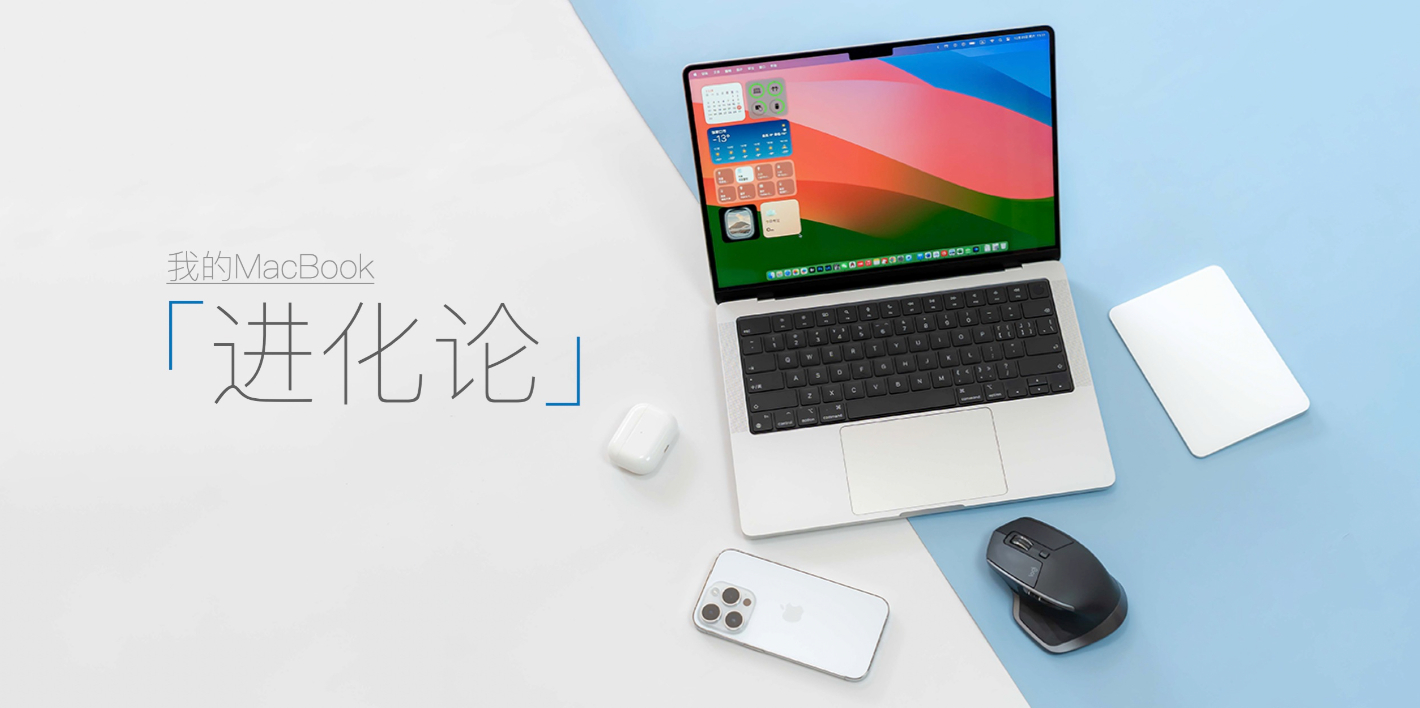
Before the iPhone, the Apple product that left the deepest impression on me was probably the MacBook. As the first computer I bought with my own money after starting work, my MacBook journey happened to span three distinct eras:
- Astonishing & iconic: MacBook Pro with Retina (2014, 13-inch);
- A performance beast: MacBook Pro with i7 (2019, 16-inch);
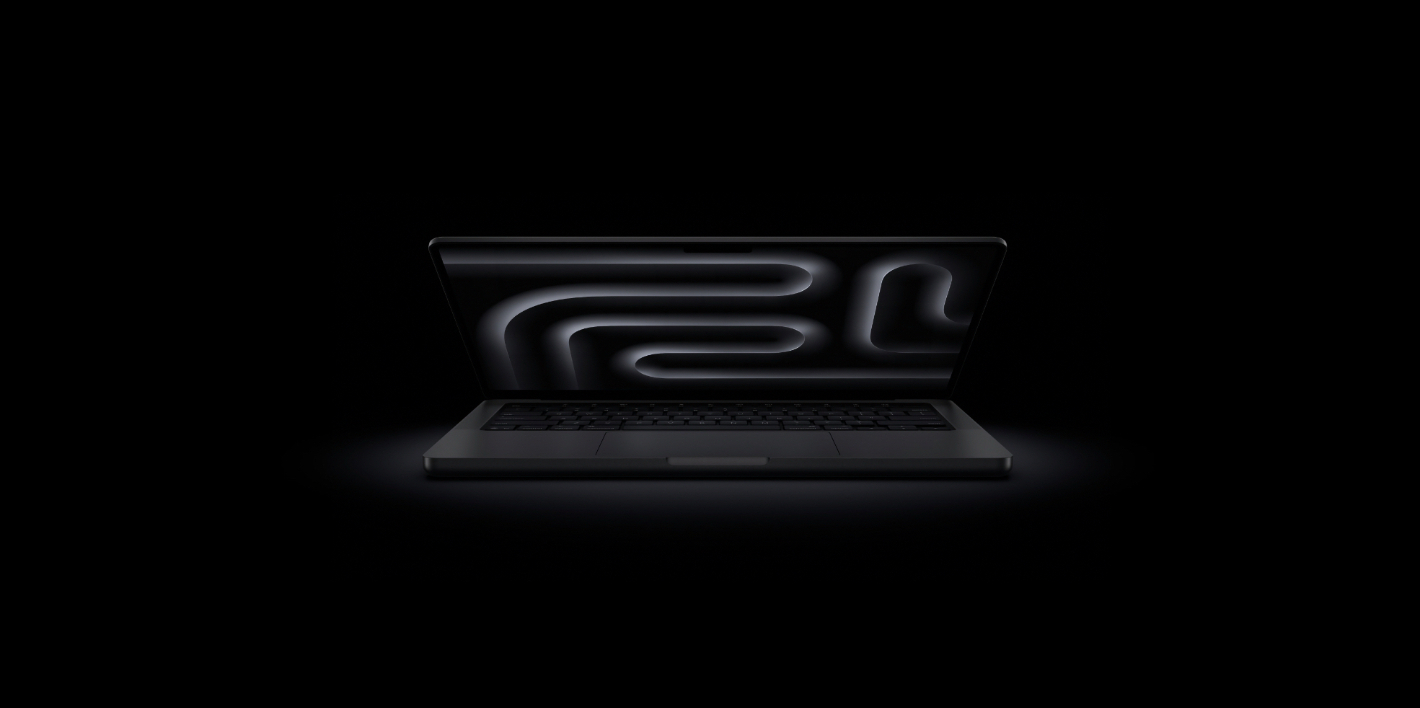
- A chip-driven reinvention: MacBook Pro with M2 Pro (2023, 14-inch).
Over the past decade-plus, the MacBook lineup has undergone dramatic changes. These weren’t just incremental hardware upgrades, but profound shifts in design philosophy, user experience, and ecosystem integration.

As my primary productivity tool, this piece isn’t merely a list of devices. It’s a decade of growing alongside the MacBook—a record of how I used it to move from being a reader to becoming a content creator.

Planting the Seed: MacBook Air
Starting in 2006, Apple abandoned PowerPC and fully transitioned to Intel, ushering in a new era of collaboration between Apple and Intel.
In 2008, Steve Jobs pulled a laptop out of a manila envelope in that now-legendary keynote moment. With its unibody aluminum design—so thin that even its thickest point was slimmer than competitors’ thinnest—it didn’t just stun the audience in the room. It also planted a seed deep in my heart.
The Stunning Impact of Retina
In early 2015, I bought my first Apple device: a 13-inch MacBook Pro with Retina (the base model).
If the MacBook Air stood for thin and light, then this generation of the MacBook Pro with Retina represented balance. In terms of design, it carried on the unibody aluminum chassis, with an excellent build quality. By removing the optical drive and mechanical hard disk, Apple ensured a slimmer profile—far lighter and thinner than the laptops I used back in college. The glowing Apple logo on the lid remains a classic to this day.

More importantly, it offered an exceptionally rich selection of ports: MagSafe magnetic charging, HDMI video output, an SD card slot, Thunderbolt 2, and two USB-A ports. It was a true “all-round productivity machine” that could handle almost any task without the need for a dongle.

The display deserves special mention. Seeing a Retina screen for the first time was genuinely breathtaking, and even by today’s standards, it still holds up well. I remember a friend who had just bought a MacBook Air (non-Retina); after seeing my screen, they immediately regretted their purchase.

With an Intel Core processor, a Retina display, plentiful ports, and a scissor-switch keyboard—paired with macOS’s clean interface, free from pop-ups and virus anxiety—it laid the foundation for my trust in the MacBook as a machine that is “open the lid and get to work,” stable and reliable.

Thanks to the Thunderbolt 2 port, I also entered the era of a dual-monitor desk setup: the MacBook Pro as the main machine, connected to a Xiaomi 34-inch curved display, forming my version 1.0 desktop setup.


A Small Interlude
The Product I Most Hope to See Revived: the 12-inch MacBook
The design of the 12-inch MacBook could be considered the pinnacle of Apple’s design at the time—and even today, it hardly feels outdated. Limited by its performance, however, it could only ever be a toy for a very small group of users. With the arrival of the M-series chips, which offer far better performance, thermals, and power efficiency, this line has become the product I most want Apple to bring back.
A Monster and the Controversy
A Leap in Performance and Intel’s Struggle
As my work began to demand more performance, I upgraded to the 2019 16-inch MacBook Pro (i7 processor, 32GB RAM). There’s no denying it: at the time, this machine was a bona fide performance monster.

From dual-core to six-core, from 13 inches to 16 inches—the performance jump was massive. Image editing times dropped dramatically, and running multiple virtual machines became effortless. This was Apple pushing the Intel-based MacBook Pro to its absolute limits.
But constrained by thermal design, it also gave rise to the infamous “single heat pipe trying to tame an i9” moments—one of the reasons I opted for the i7 instead. Under heavy load, the chassis temperature would spike rapidly, and the fans would roar like a jet taking off, seriously affecting my focus while working.

That said, the return of the scissor-switch keyboard, the excellent speakers, and Touch ID were all welcome highlights of this generation. On the downside, only Thunderbolt 3, USB-C, and the headphone jack remained. All other ports were cut—even staples like the SD card slot and HDMI—making external expansion a clear drawback.

The Touch Bar was another source of controversy. Intended to replace physical function keys, it did bring novelty to certain applications, but ultimately proved to be a productivity hindrance rather than a help.

While I fully acknowledge that the 16-inch MacBook Pro was a powerful, workstation-class machine, who could have imagined that in less than two years it would be replaced by ARM-based MacBook Pros?

To better tame this performance beast and improve the overall experience, I chose the following accessories to build my desktop setups from version 2.0 to 3.0.
- Thunderbolt 3 dock: a single cable to solve everything—connecting external displays while providing stable power and data transfer, greatly reducing the clutter of multiple cables on the desk.
- Cooling: to address the high heat output of Intel chips, I initially placed the laptop on a stand. This not only raised the screen to eye level, reducing neck strain, but also helped with airflow. Still, passive cooling wasn’t enough for the i7, so I later added an active liquid-cooling solution. Even then, the results were far from ideal.


Reshaping and the Future
In 2020, Apple kicked off its transition to the ARM platform.
Fifteen years later, the Mac once again changed its chip architecture.
For Apple, raw performance may not be the ultimate goal, but power efficiency and thermal control are areas where it refuses to compromise. During the years of collaboration with Intel, many Mac products suffered from overheating issues. With the rapid maturation of the ARM architecture, Apple could finally move it onto the Mac with confidence.

People who are really serious about software should make their own hardware.
Today, Mac chips are designed entirely by Apple. By integrating various functions onto a single chip, Apple not only reduces costs but also achieves tighter integration. In-house silicon enables Macs to work more seamlessly with other Apple devices, strengthening the ecosystem and breaking down barriers between products.

The M-chip Revolution: A Cross-Generation “Dimensionality Reduction”
Moving from Intel flagships to a MacBook Pro powered by the M2 Pro chip was nothing short of a generational leap.
The most immediate sensation is “calmness.” Tasks that once sent fans into a frenzy can now be completed quietly and coolly by the M2 Pro. At the same time, it achieves a near-perfect balance between performance and battery life. Intel laptops used to feel like they lost their soul once unplugged; M-series Macs can deliver a full day of efficient work without ever touching a power outlet.

In terms of design, Apple performed a kind of “course correction.” With a return to a more classic look, today’s MacBook Pro may not appear as thin and light as before—but the Pro line has always been a tool for professionals. Thinness was never the core of “Pro”; usability is. This return to practicality is the best interpretation of what “Pro” truly means.
Compared to the Intel era, the return of MagSafe, HDMI, and the SD card slot—along with support for high-impedance headphones—signals that Apple has finally acknowledged the core, practical needs of professional users.

The Mini-LED display delivers stunning contrast, and ProMotion’s high refresh rate turns every scroll and every viewing moment into a visual pleasure. As for the notch, that’s simply a matter of personal taste.
After experiencing the size and weight of the 16-inch model, I decisively chose the 14-inch this time. It strikes a better balance between performance and portability—lighter than the 16-inch, yet more powerful than the 13-inch.

As for this generation of desk setup, the guiding principle was “subtraction.” I removed all unnecessary accessories and upgraded the external display to an LG UltraFine 4K, aiming to match the color accuracy of the MacBook Pro’s built-in screen.


MacBook and Apple Vision Pro
At present, Apple’s MacBook lineup positioning is already very clear:
- MacBook Air focuses on light productivity: 13-inch and 15-inch;
- MacBook Pro targets professional use: 14-inch and 16-inch.
There are rumors that in the spring of 2026 Apple will release a MacBook aimed at the education market, powered by an A-series chip and priced lower. If this model does arrive, Apple’s MacBook lineup will become even more complete and better aligned with different user needs.
Apple Vision Pro
With the release of Apple Vision Pro, it’s natural to ask: will it eventually replace the MacBook as the next-generation productivity tool?

For MacBook users, Vision Pro brings qualitative improvements in several areas:
First is the “infinite” and “mobile” nature of physical displays. Vision Pro offers the Mac Virtual Display feature, fundamentally redefining the concept of a workspace. While MacBooks are constrained by physical screen size, Vision Pro can project the Mac desktop onto a massive, adjustable virtual display—essentially letting you carry a top-tier 100-inch monitor with you at all times.
Second is an upgrade in multitasking space. Traditional MacBook multitasking relies on Mission Control or switching between apps. In Vision Pro, the Mac desktop can exist as one window, surrounded by natively running web pages, email, or even 3D models. This hybrid layout of Mac + visionOS apps greatly enhances the intuitiveness of multitasking.
Finally, Vision Pro naturally ushers in a shift in the “center of computation.” In the past, the MacBook was the computing core and the screen was merely for display. In the era of spatial computing, the MacBook gradually becomes a high-performance computing module without a screen. Users may no longer care about the MacBook’s display quality, brightness, or size, because the visual experience is taken over by the headset.

That said, the current Vision Pro experience is far from perfect: wearing comfort, the limited number of third-party visionOS apps, and the exploration of efficient input methods are all issues that still need to be addressed.
So at this stage, the relationship between the two is more about coexistence and complementarity rather than direct replacement. The MacBook, with its powerful M-series thermal management and long battery life, is well suited for sustained, high-intensity workloads (such as code compilation or complex modeling), while Vision Pro focuses on delivering extreme visual presentation and spatial interaction.
Epilogue
My ten-year journey with the MacBook is also a microcosm of Apple’s shift from a hardware-spec arms race to an ecosystem built around in-house chips. We’ve lived through the golden age of the classic scissor-switch keyboard, the growing pains of the butterfly keyboard, and the struggles of Intel processors—only to finally arrive at the perfect triangle brought by Apple silicon: battery life, performance, and silence.
For me, the core value of the MacBook has long gone beyond the simple combination of a screen and a processor. It represents a way of working that is efficient, stable, and aesthetically pleasing. That’s also why I’ve consistently held the MacBook in higher regard than the iPhone.
Across these three pivotal evolutions over ten years, which generation of MacBook design or experience is your favorite? Feel free to share your own experiences in the comments.